Online Ordering
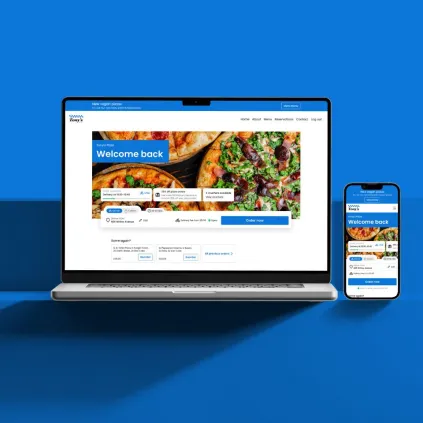
Stand out with a bespoke website and app that reflect your brand and are built to increase sales.

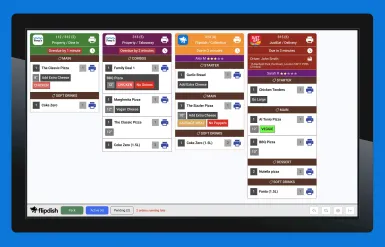
Increase speed and accuracy in your kitchen with our KDS and say goodbye to mix-ups, messy paper tickets, and customer refunds.


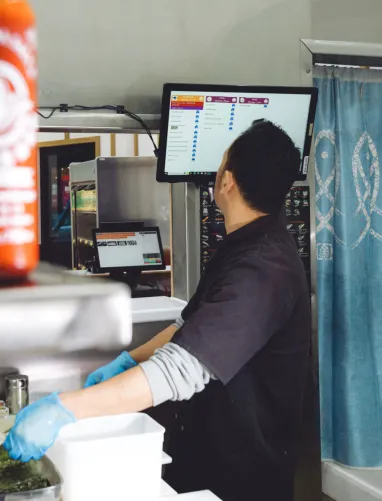
Easily organise and fulfil orders from anywhere.
 In-store
 Kiosks
 Website and mobile apps
 Marketplaces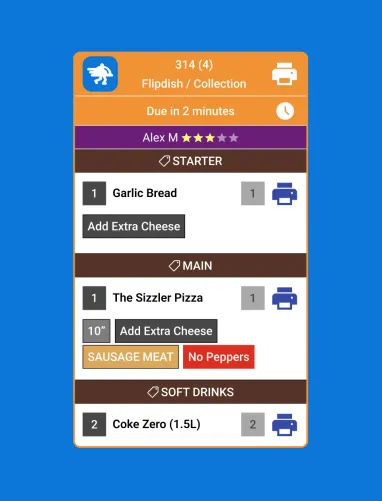
Help staff focus on what they need to do thanks to clear, colour-coded tickets.
From quantities to modifiers to chef's notes, instructions are displayed in a standardised format, no matter where the order comes from.
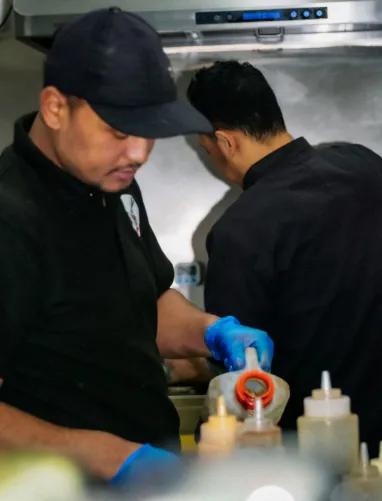
Display ticket information in the way that works best for your operations.
The Flipdish KDS adapts to your workflows so your front and back of house teams can work in perfect harmony.


 United Kingdom
Restaurant/Takeaway
2 Outlets
United Kingdom
Restaurant/Takeaway
2 Outlets
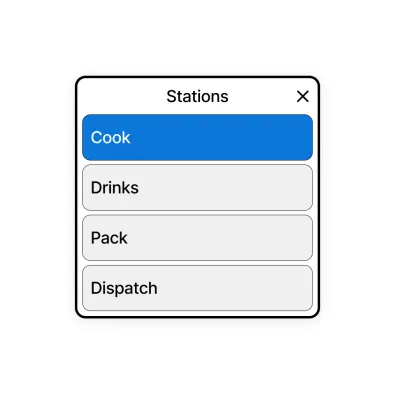
Prepare orders faster by sending them to different stations – if that’s how you prefer to work.
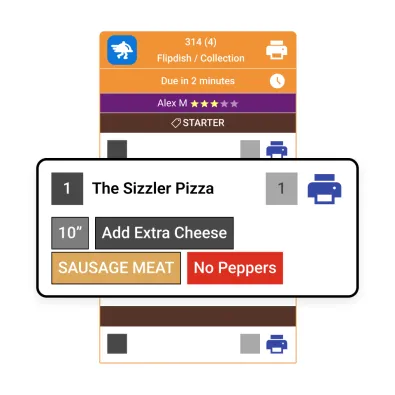
Items and ingredients that need to be added or removed are colour-coded and clearly visible.
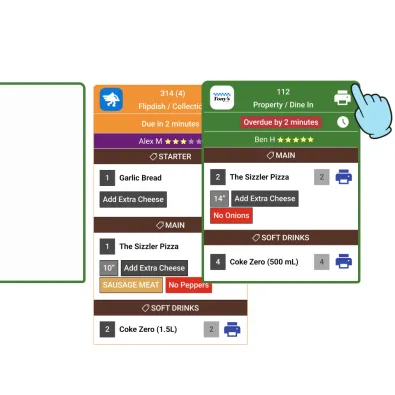
Need to fast-track an order? Drag and drop tickets on the KDS to change their priority.
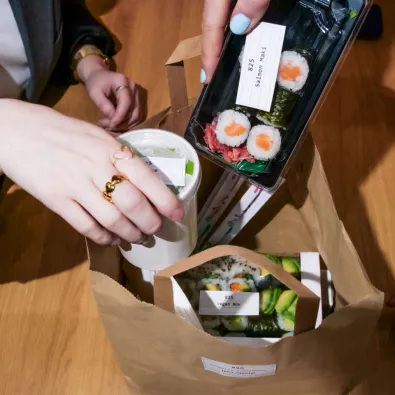
Print individual item labels at the click of a button so customers and staff know what is what.
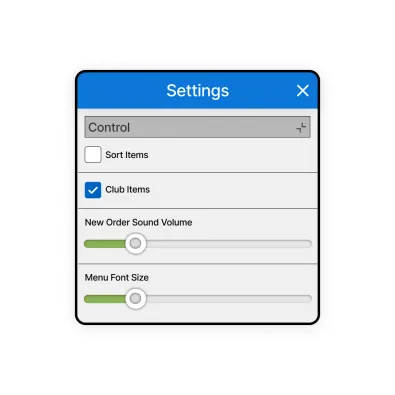
Customise your ticket layout, order due time, notifications and more to fit your kitchen’s workflows.
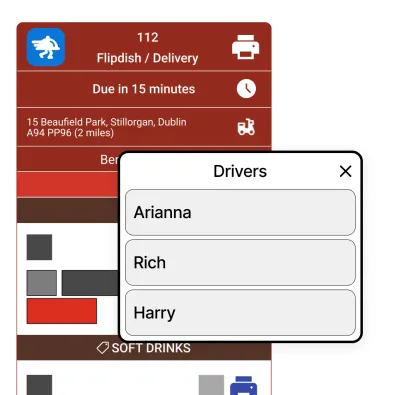
Assign orders to your delivery drivers at the touch of a button, right from your tickets.



A Kitchen Display System (KDS) is a digital screen in the kitchen that shows incoming orders in real time, helping staff prioritise tickets, track prep time, and mark items as ready. It replaces or reduces printed dockets and helps cut errors.
Orders from your POS and/or online ordering are sent to the screen automatically. The KDS then lists tickets, often routes items to stations, shows timers, and lets staff tap orders through stages like New → Preparing → Ready so the team stays aligned during service.
Pricing varies by provider. Flipdish KDS is available as part of the Flipdish restaurant management platform - speak to the team for a tailored quote.
The Flipdish KDS works as part of the Flipdish POS ecosystem, giving you the most seamless experience across front-of-house and kitchen.
They refer to the same thing: a screen in the kitchen that shows orders digitally. "KDS" is the industry acronym for kitchen display system.